Create better photos, faster, in Luminar
Join 19,000+ photographers getting practical Luminar editing tips, workflow advice - and a free editing guide.
Hi, I’m Jim. I help photographers get better results using Luminar.
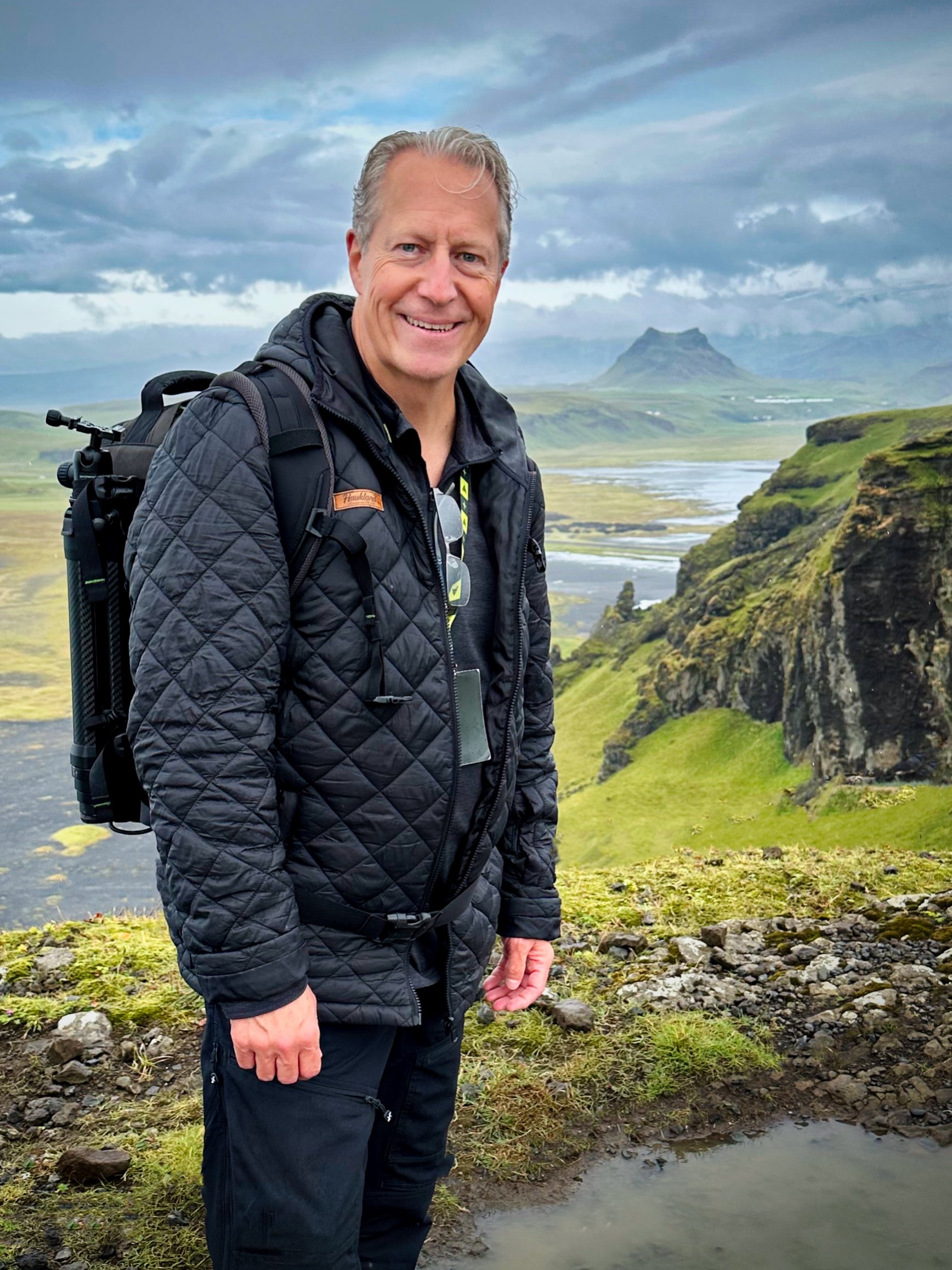
Thousands of photographers have learned from me.
Luminar Ambassador
Workshop leader and photography educator
Conference instructor and global webinar host
Named one of the world’s top 100 travel photographers
I can help you, too.
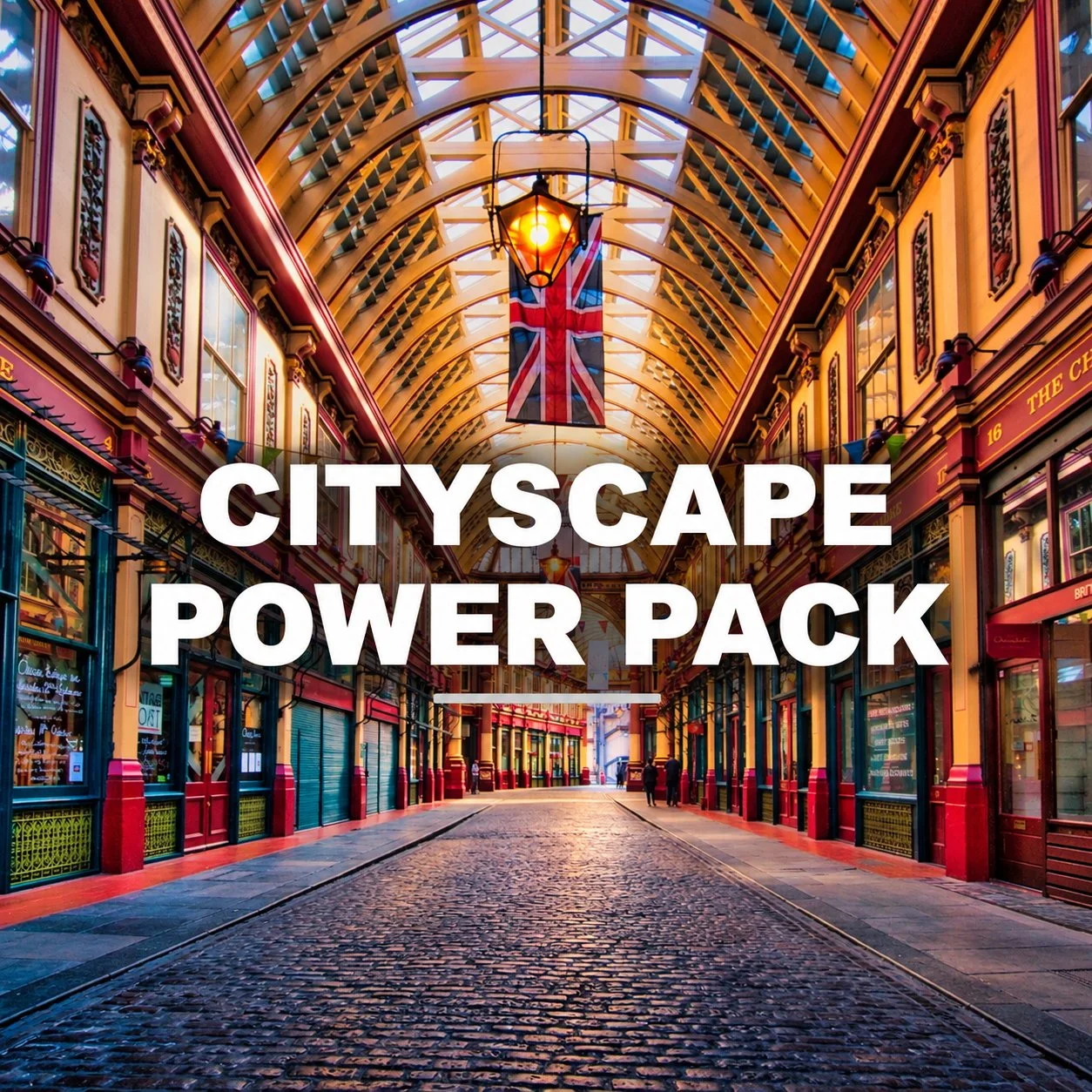
Edit. Learn. Create. Your Complete Toolkit for Stunning Cityscape Photography.
Bring your city shots to life with this powerful all-in-one bundle designed specifically for Luminar. Whether you love to photograph skylines, architecture, moody street scenes, neon nights, or grungy back alleys, the Cityscape Power Pack gives you the tools, knowledge, and workflow strategies to turn your urban photos into stunning works of art.
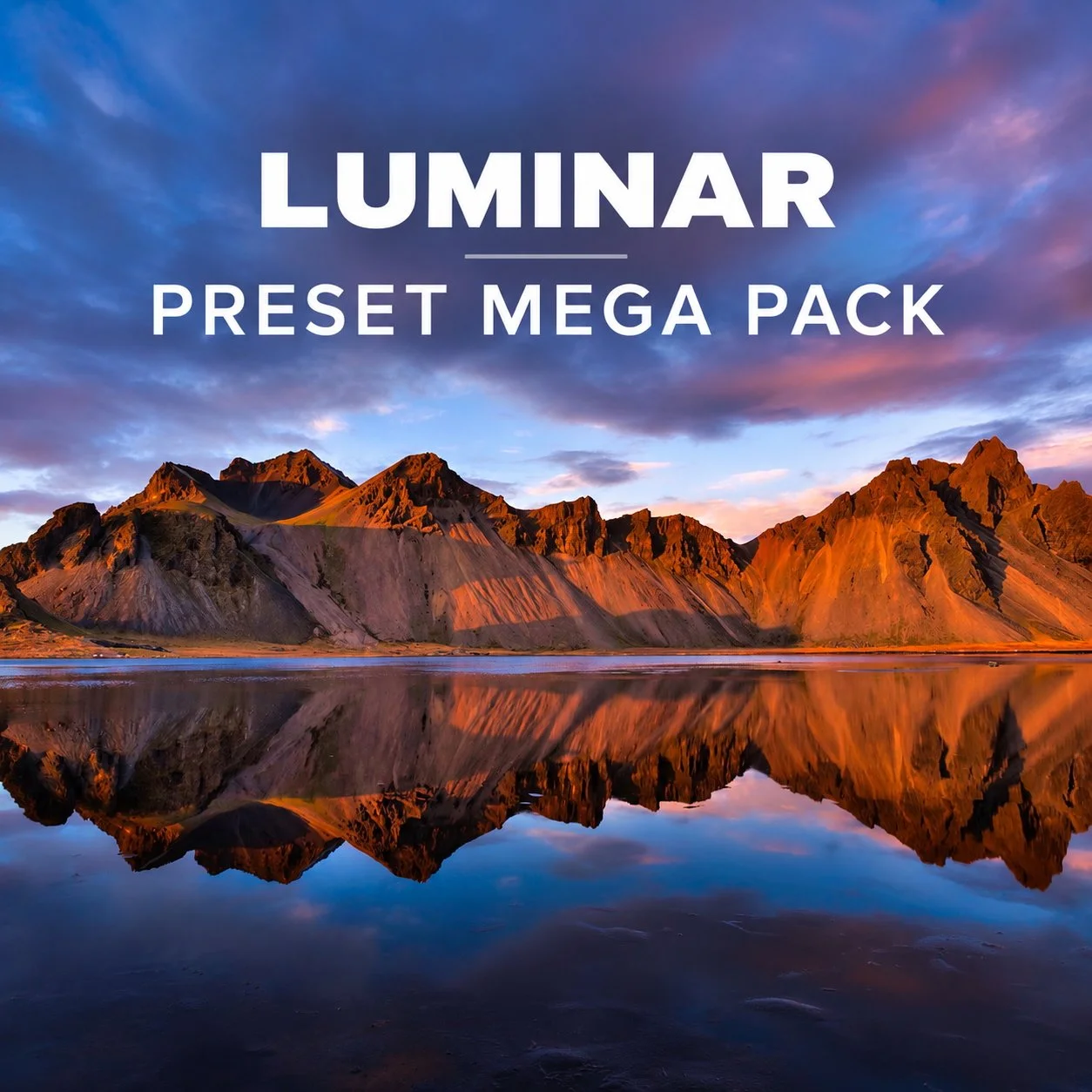
Better Photos. More Creative Possibilities.
Get 50 creative presets designed to give your Luminar edits a beautiful starting point—so you can explore new looks, edit faster, and make each photo your own.
Start with inspiration. Finish with your vision.
Presets aren't meant to finish the photo for you. They're a fast way to explore creative possibilities and find a direction you love.
The Mega Pack gives you 50 different starting points for your Luminar edits—from natural and subtle to colorful, dramatic and moody. Apply a look you like, adjust it to fit your photo, and make it your own.
Designed exclusively for Luminar desktop software. Also works when using Luminar as a plugin in Adobe Photoshop or Lightroom, or Apple Photos.
Browse all presets and bundles in my Shop
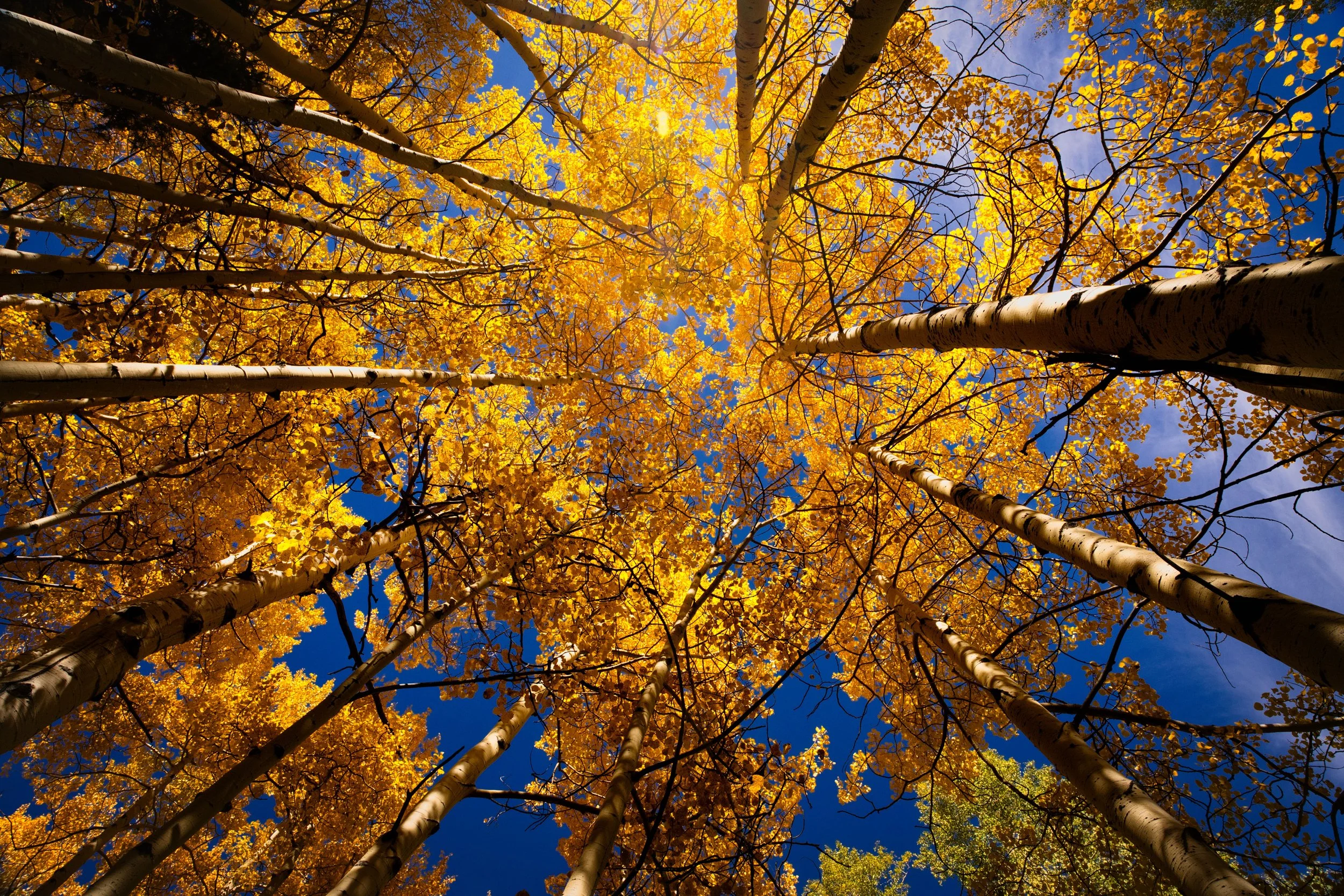
Better photo editing doesn't have to be complicated. After years of trial and error, I've developed a simple approach built around three things: Light, Detail, and Color. Here's how having a plan can help you edit with more confidence and get better results.
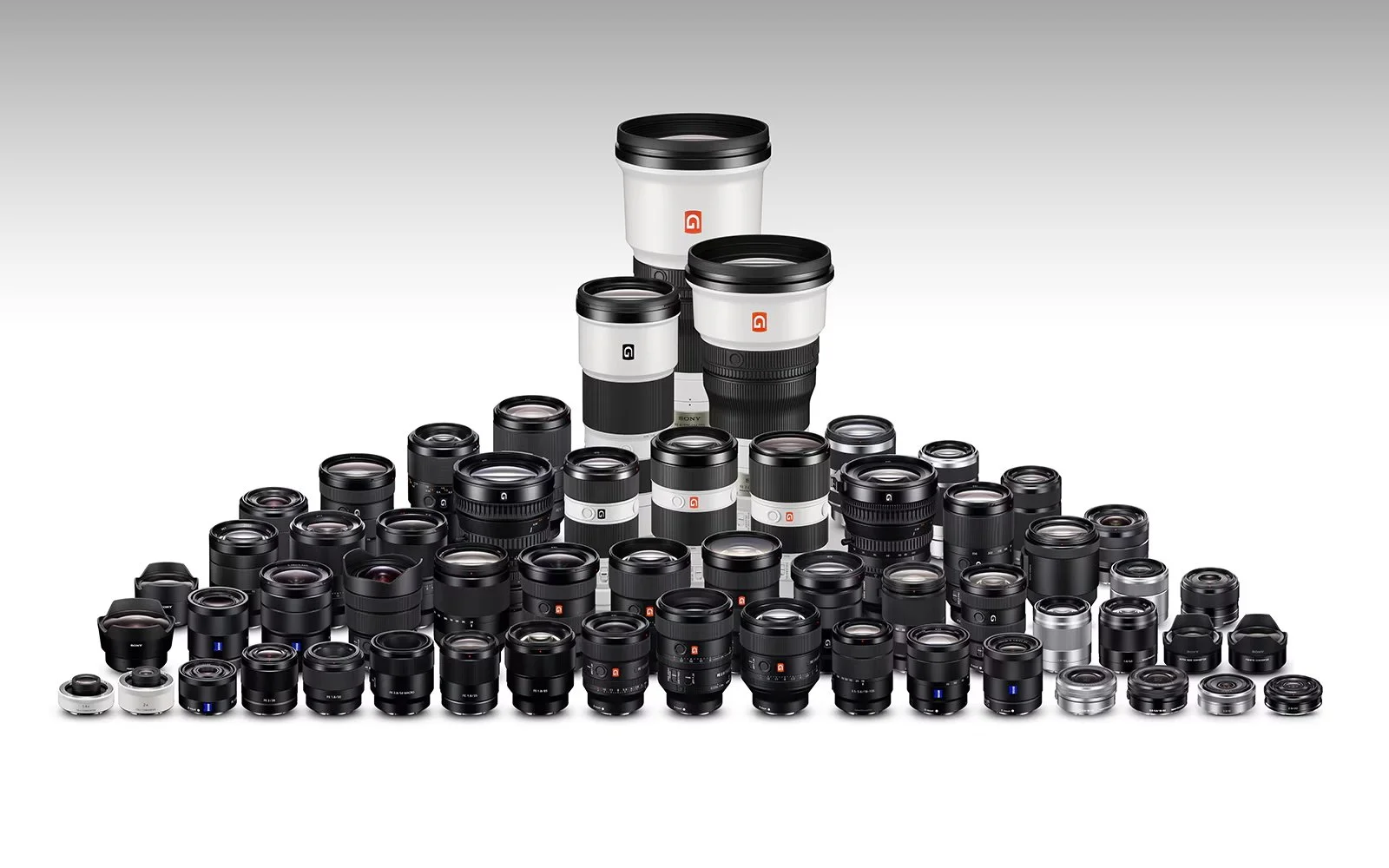
I've been reshuffling my photography gear again, but this time the goal was simple: less weight, fewer decisions, and a more streamlined camera kit. Here's what I sold, what I kept, and why I'm embracing a lighter approach to photography.
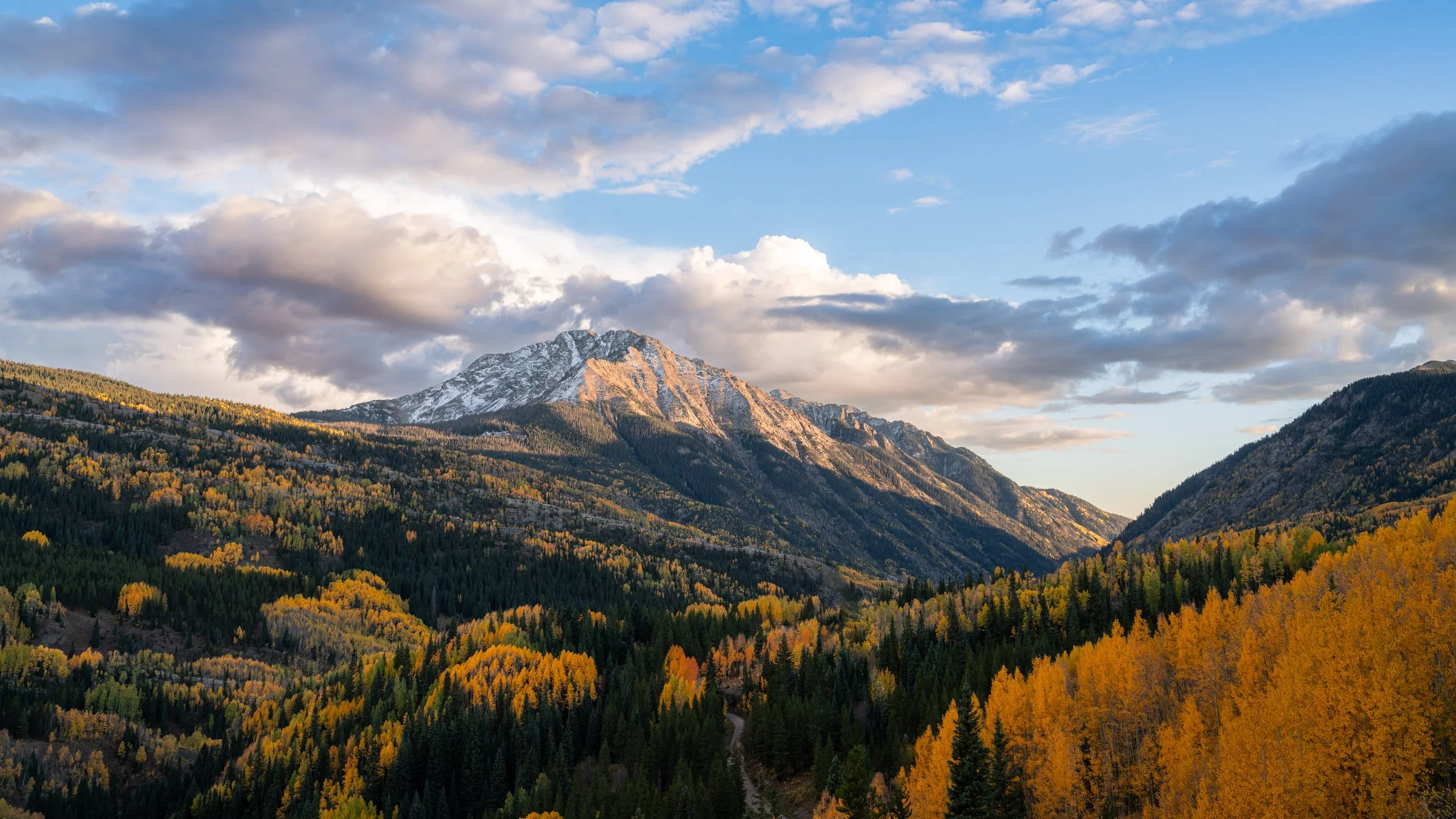
Fall colors are beautiful, but they can be surprisingly easy to overdo in the edit. Here’s how I use Light, Detail, and Color in Luminar to create vibrant fall images while keeping the colors balanced and natural.
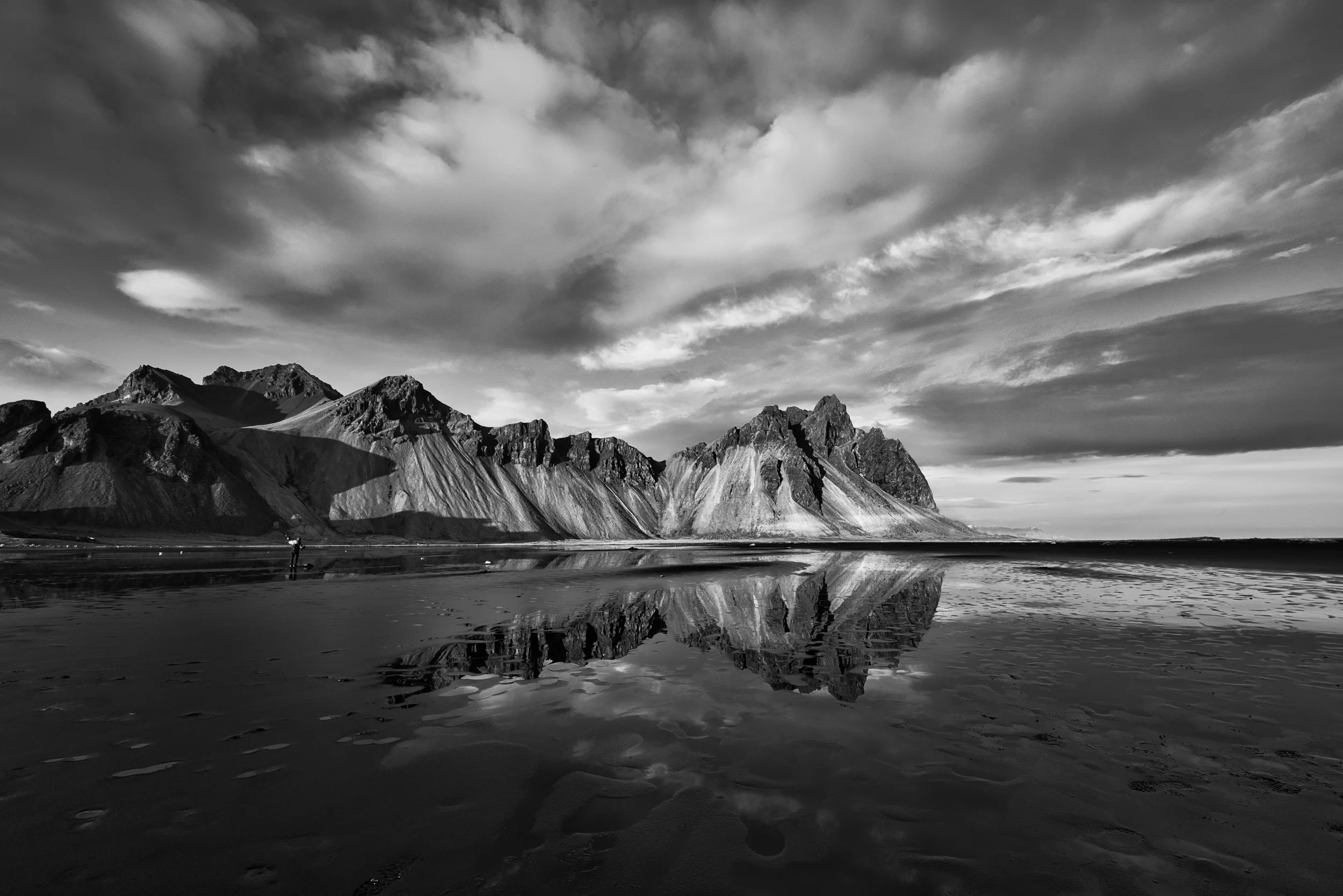
Build better black & white photos in Luminar with a simple workflow that combines presets, contrast, light, and targeted adjustments.
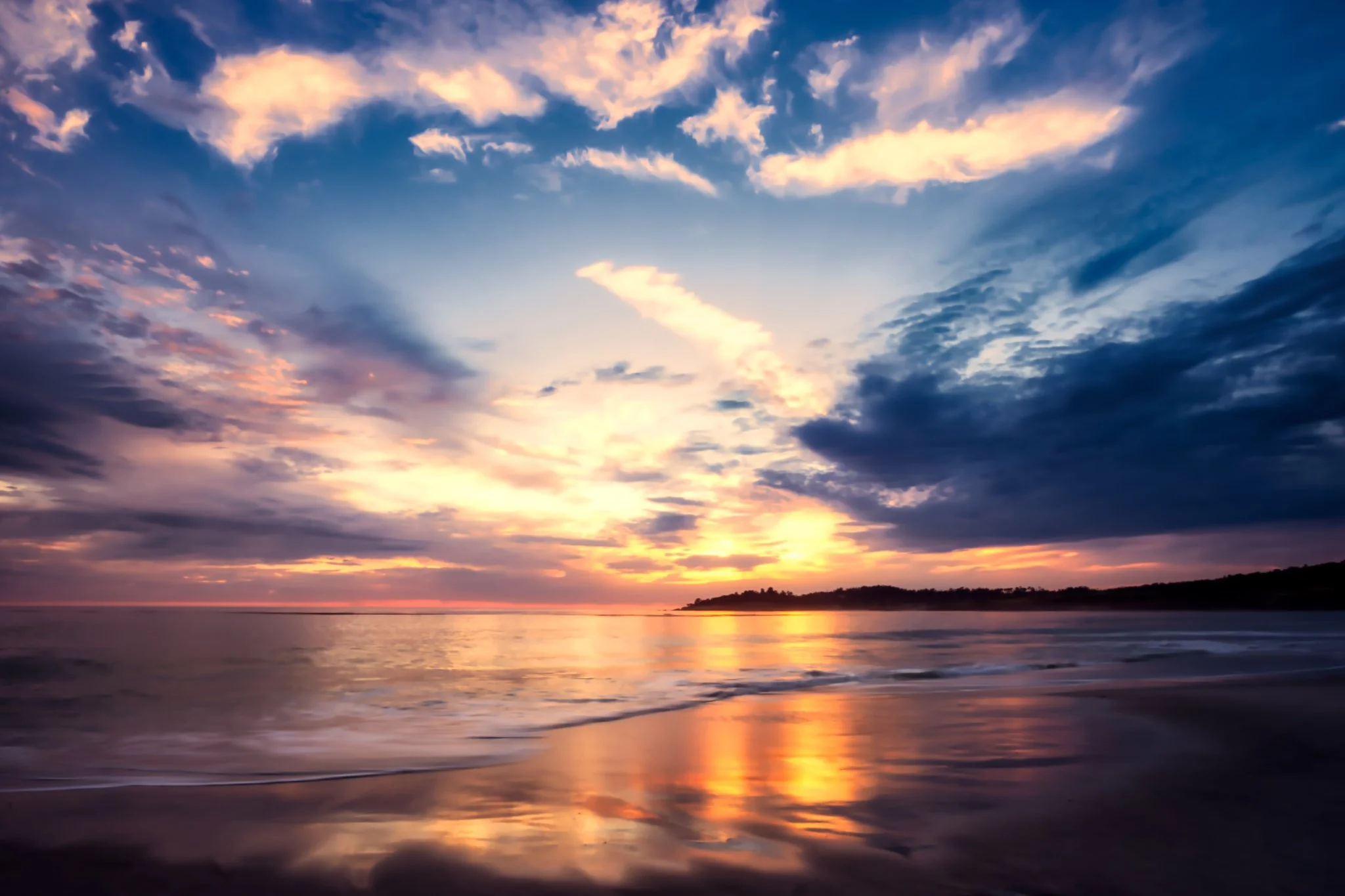
Is it the photographer or the software? Great photos take more than moving a few sliders. Here’s why planning, shooting, and editing all matter.
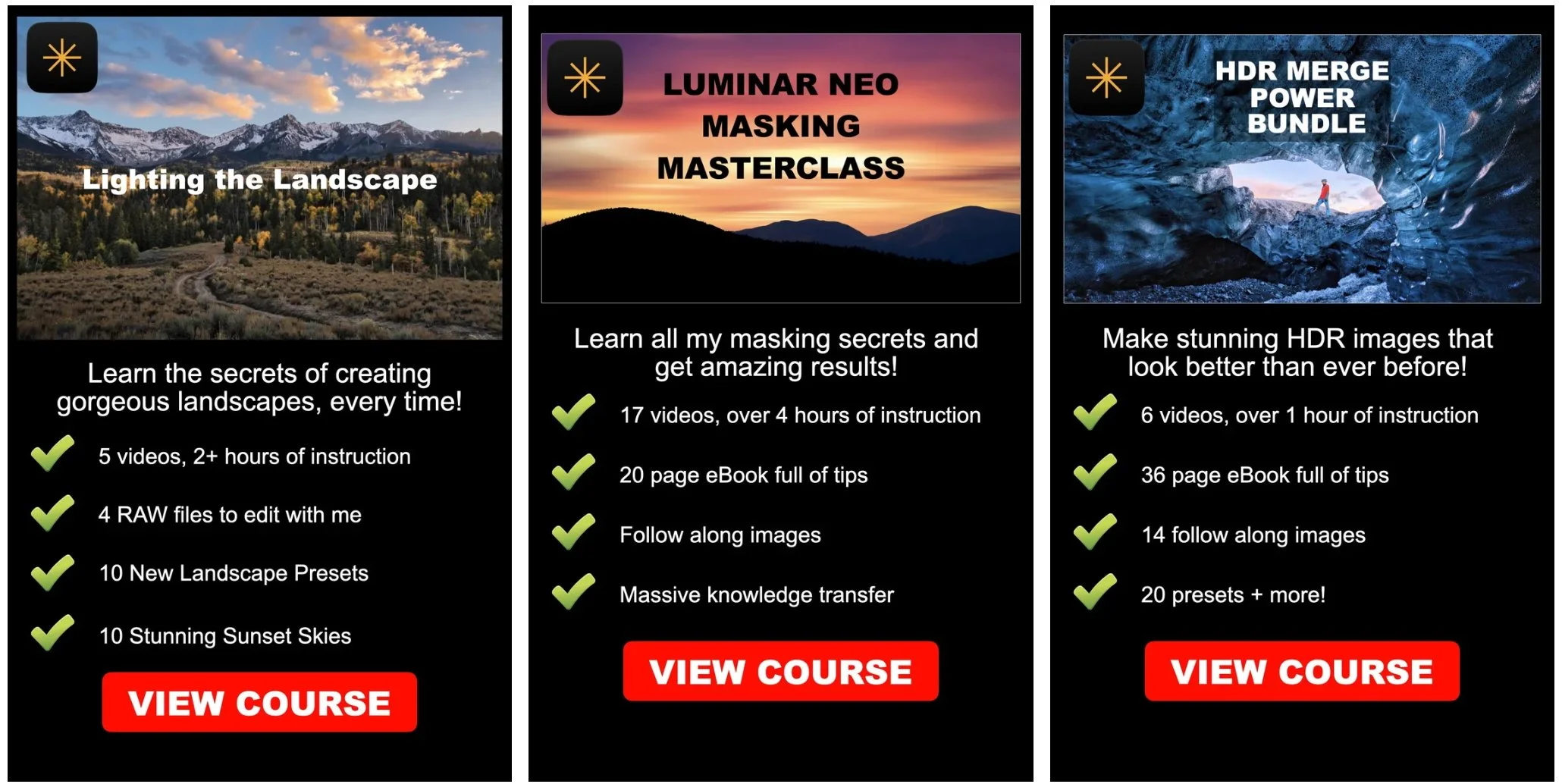
I’m retiring my three Luminar training courses on September 15, 2026. Find out why I’m retiring them, what happens to existing customers, and how you can grab a course at a special final-sale price before they’re gone.
🖤 Better Black and White Edits Start Here.
Black and white photography has a magic all its own. It removes distractions, enhances emotion, and turns everyday moments into visual poetry.
The Monochromatic Preset Pack is designed to help you create bold, dramatic black & white landscapes and cityscapes in Luminar — without starting every edit from scratch.
Monochromatic includes 20 handcrafted presets designed to quickly establish the contrast, tonality and mood you're after. Use them for a beautiful one-click result, or do what I do: start with a preset, then customize the edit to make it your own.
🧩 What’s Included:
20 handcrafted black & white presets for Luminar
A range of looks from clean and minimal to gritty and dramatic
Perfect for landscapes, cityscapes, street photography, architecture and fine art edits
Instant download, easy installation plus full creative control