How I Build a Better Black & White Edit in Luminar
If you’ve been here before - and I hope you have! - then you know I love my colors. I’m a big color photographer at heart, and over on YouTube I share a lot of color editing tips and tricks to make your images shine.
But sometimes, I just need to make it black and white. It just calls to me.
There’s something timeless about a great monochrome image. Without color competing for your attention, you’re left with some of the fundamentals of a good photograph: light, contrast, shape and composition.
And, of course…drama.
I’ve learned that I do love a dramatic image, and that’s one of the great things about monochromes - you can really push the drama and nobody seems to care. You don’t get the rude comments like you sometimes do with a super-saturated color image. Instead, it’s just: “Wow, that’s dramatic.”
Works for me.
My Monochrome Starting Point
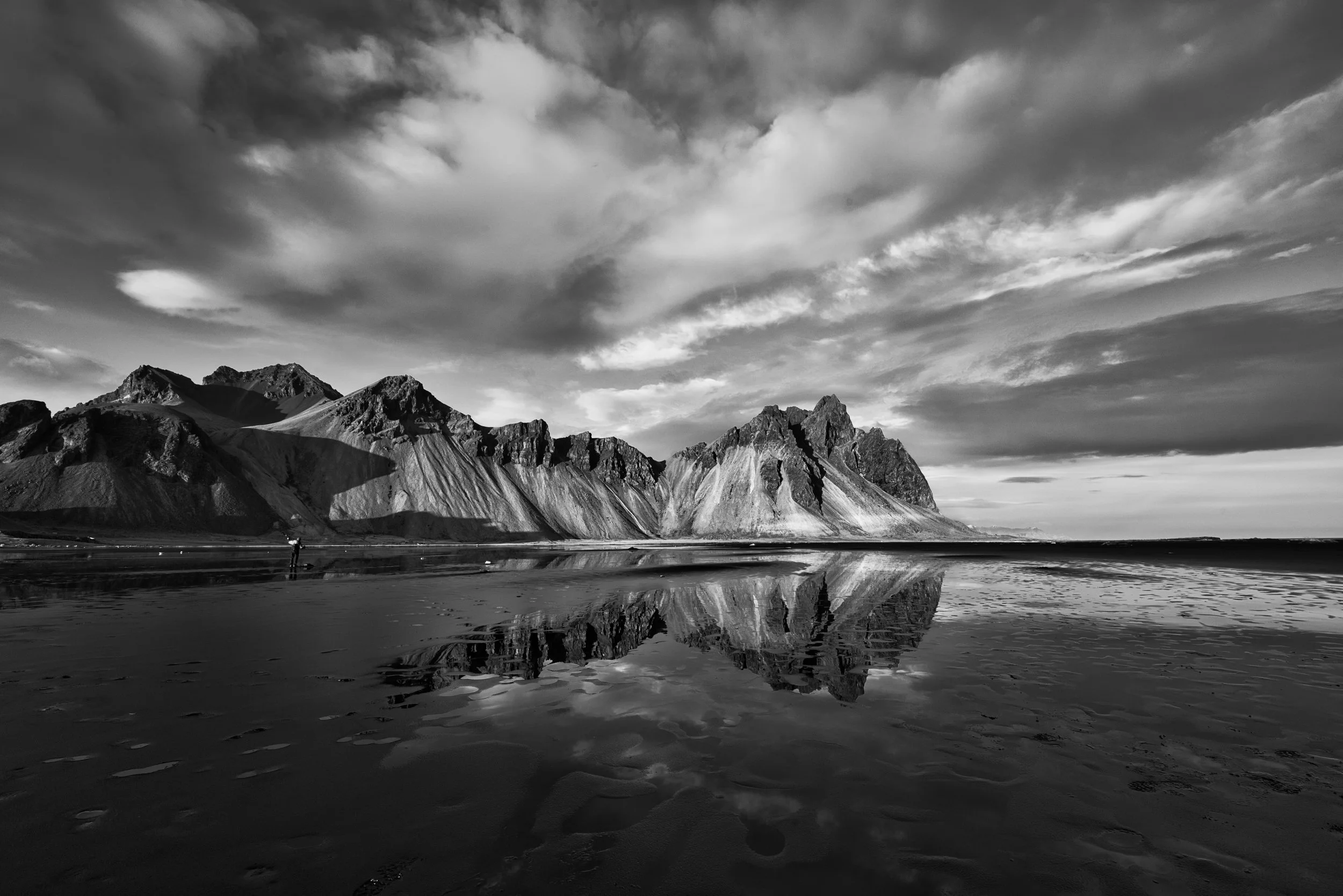
When I decide to make an image monochrome, I tend to approach the edit a little differently than I do with color.
I’m using many of the same tools, of course, but I often start with one of my Monochromatic presets.
🖤 Better Black and White Edits Start Here.
Black and white photography has a magic all its own. It removes distractions, enhances emotion, and turns everyday moments into visual poetry.
The Monochromatic Preset Pack is designed to help you create bold, dramatic black & white landscapes and cityscapes in Luminar — without starting every edit from scratch.
Monochromatic includes 20 handcrafted presets designed to quickly establish the contrast, tonality and mood you're after. Use them for a beautiful one-click result, or do what I do: start with a preset, then customize the edit to make it your own.
🧩 What’s Included:
20 handcrafted black & white presets for Luminar
A range of looks from clean and minimal to gritty and dramatic
Perfect for landscapes, cityscapes, street photography, architecture and fine art edits
Instant download, easy installation plus full creative control
And that distinction is important: presets aren't where I finish an edit. They're where I start.
A preset lets me quickly establish the overall contrast, tonality and mood I’m after. Instead of building that initial look from scratch every time, I can get to a strong baseline quickly.
Then I customize.
Every photograph is different. I might adjust the light, refine the contrast, work specific areas with masks, darken or brighten individual colors in the B&W conversion, or make other changes based on what this particular photograph needs.
The preset gets me moving in the right direction. From there, I make the photograph mine.
That’s exactly how I designed my Monochromatic preset pack — as a collection of creative starting points, not one-click finished edits.
Building on the Preset
After applying the preset, I normally return to Develop to further refine the light and contrast. I’ll usually make some global adjustments to Smart Contrast, Highlights and Shadows, paying particular attention to where I want the viewer’s eye to go.
Then I close Develop and open it again so I can do some additional masking work to dodge and burn the image.
Every photograph needs something different, but I find that selective dodging and burning is especially powerful with monochrome images. Without color to help separate different parts of the photograph, light and dark have to do more of that work.
I can brighten an area I want you to notice, darken something that’s pulling too much attention, or simply create more separation and depth throughout the image.
And yes - sometimes I use it to push the drama just a little further.
Because why not?
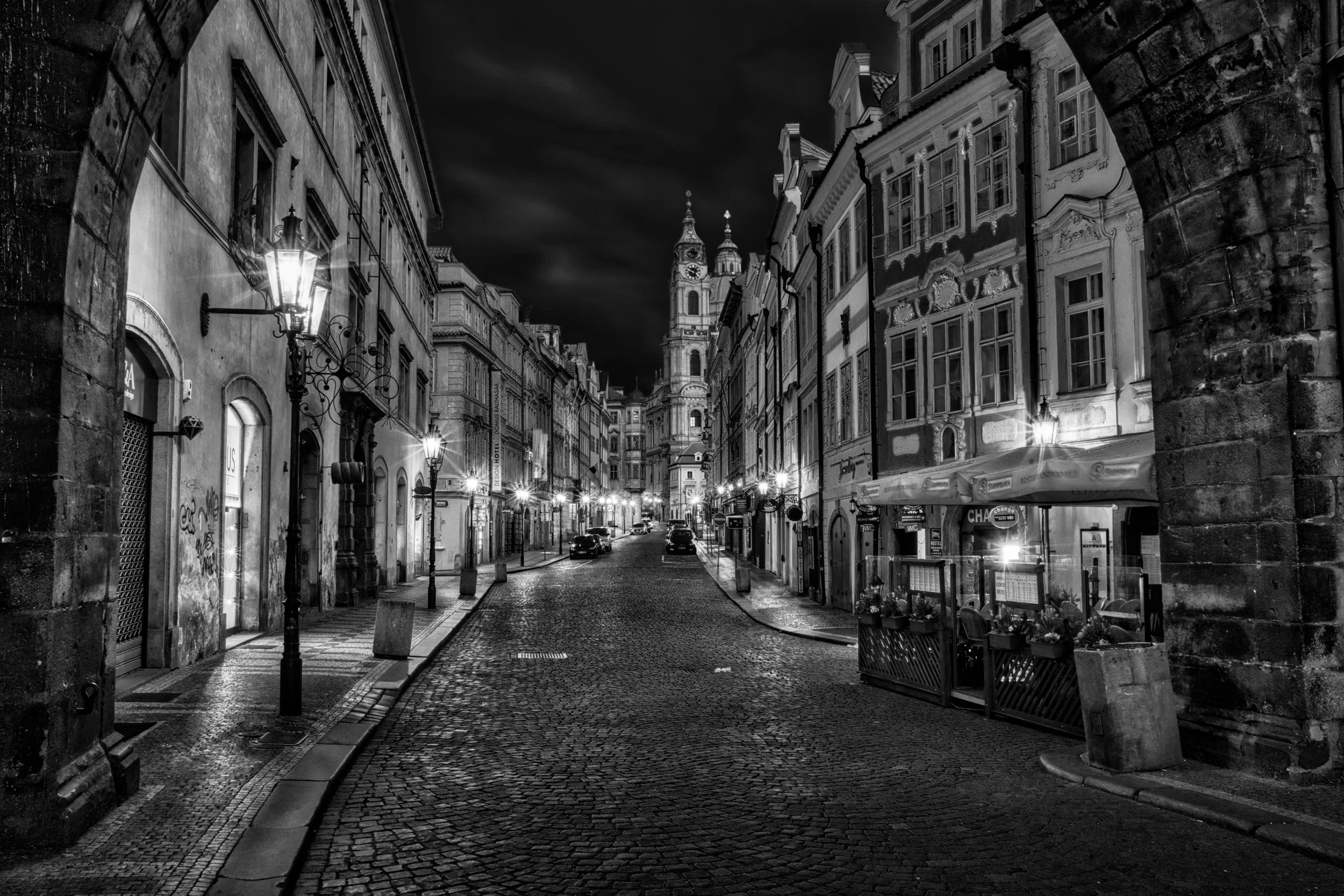
See the Workflow in Action
Want to see exactly how I put all of this together?
In the video below, I’ll take you through my monochrome workflow and show you how I start with a preset, build on that foundation, and customize the edit to fit the photograph.
The preset gets me started. The rest of the edit makes it mine.