 Image 1 of 1
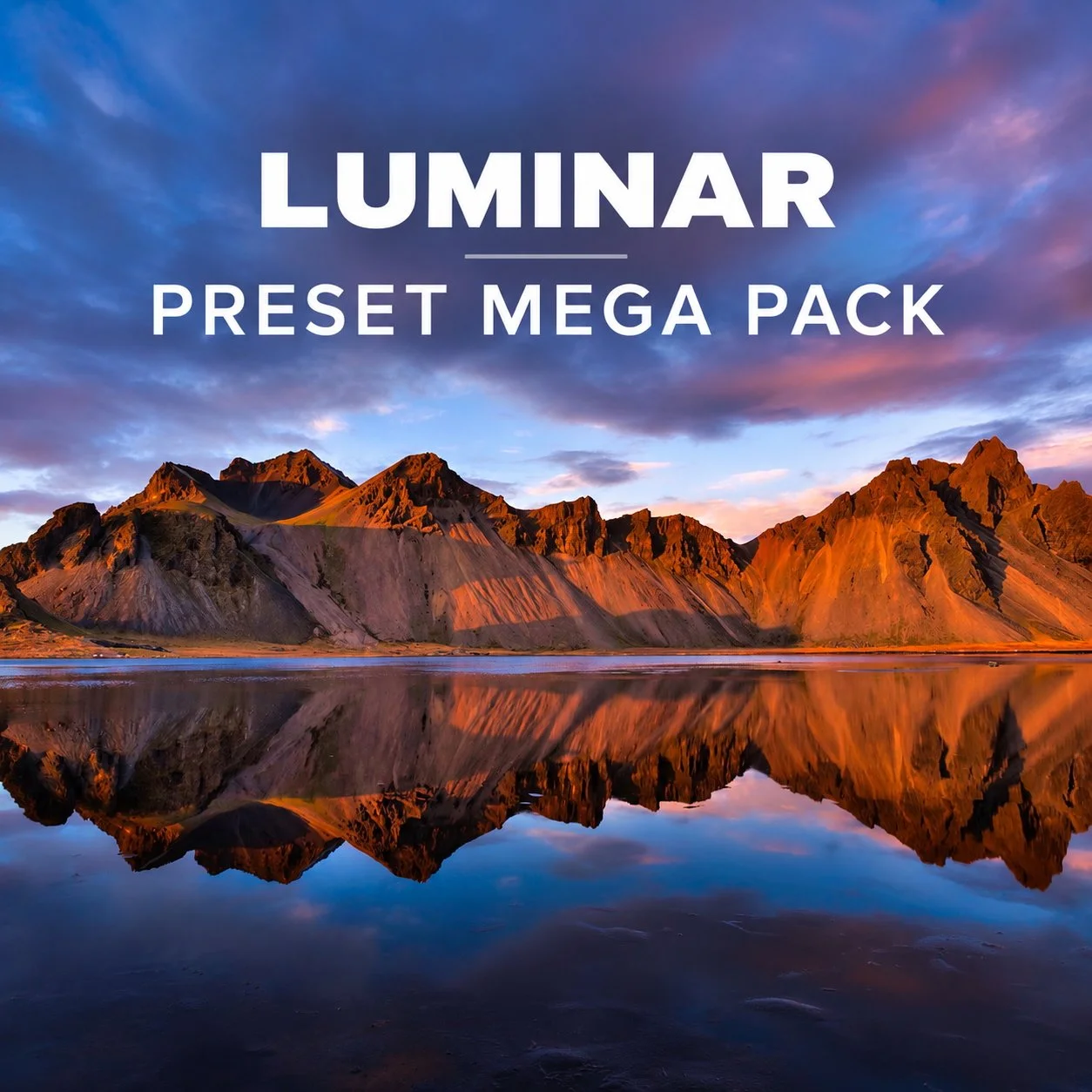
Luminar Preset Mega Pack

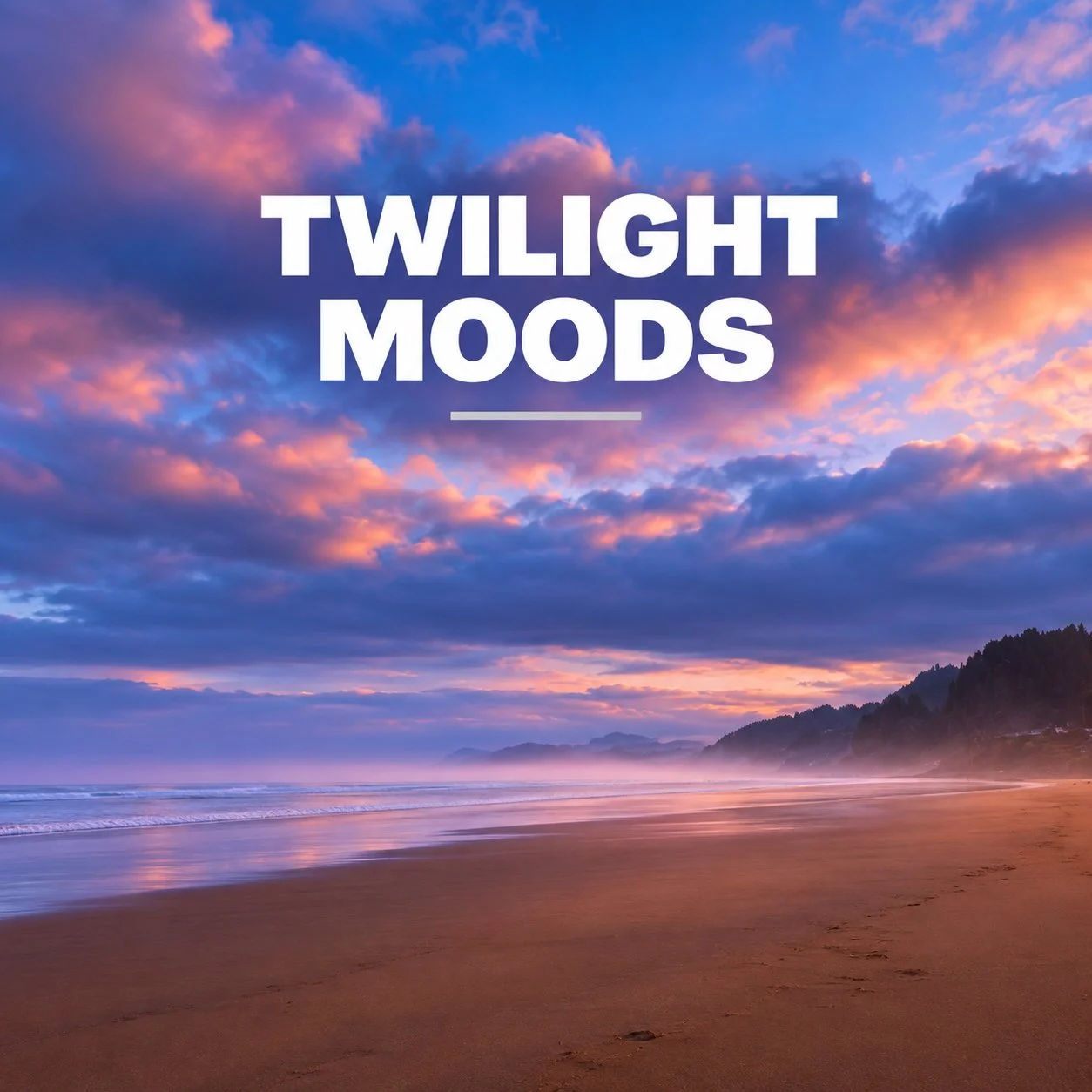
What’s Included:
🔥 50 professional-grade presets designed for Luminar Desktop
🔥 Instant download - yours to keep forever
Why Photographers Love It:
🔥 Speeds up editing - save hours per session with pro-level starting points
🔥 Boosts creativity - get inspired by styles you wouldn’t think to try
🔥 Massive value - 50 presets bundled into one affordable package
50 Presets. Tons of Creative Possibilities.
The Mega Pack gives you a wide variety of looks for the photos you love to create:
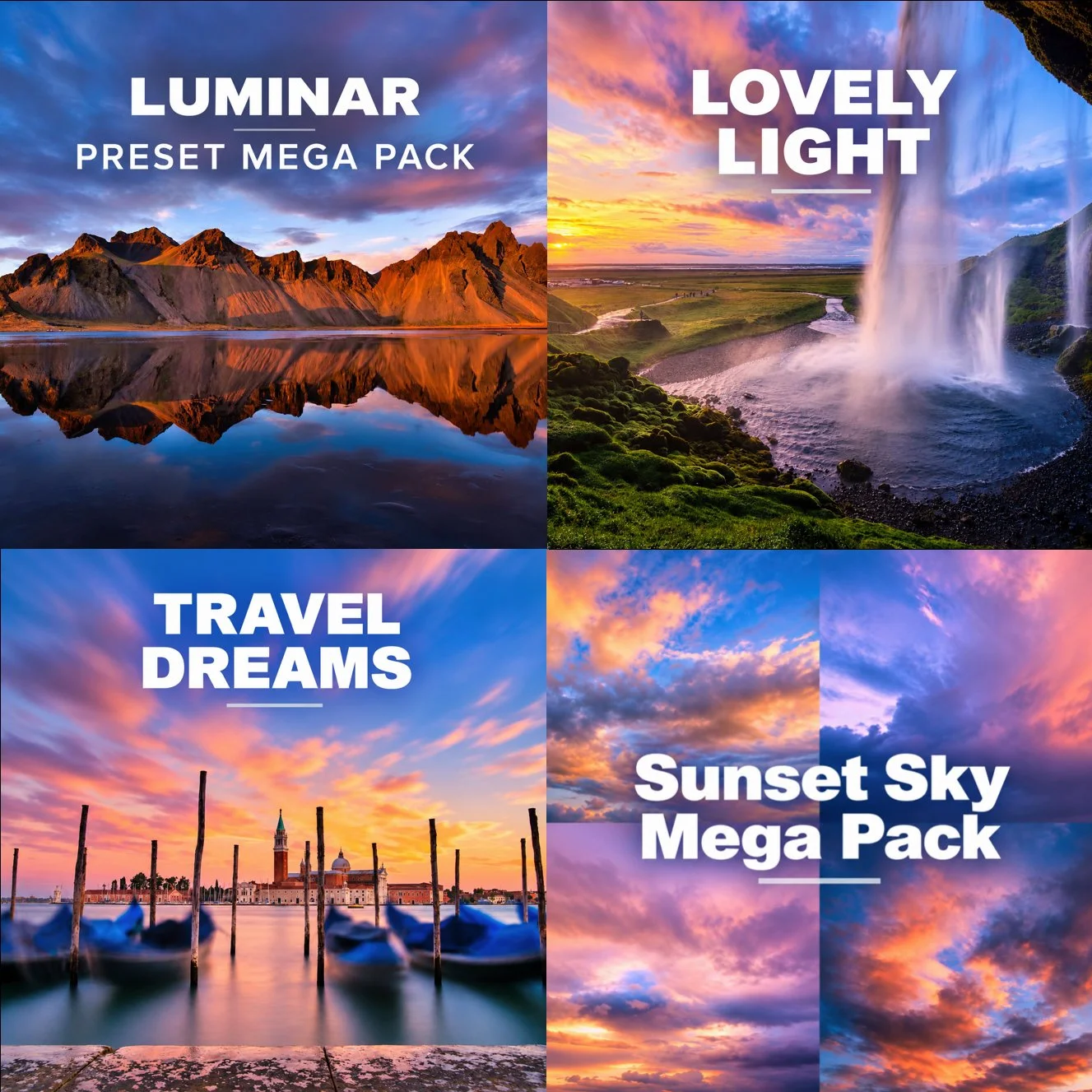
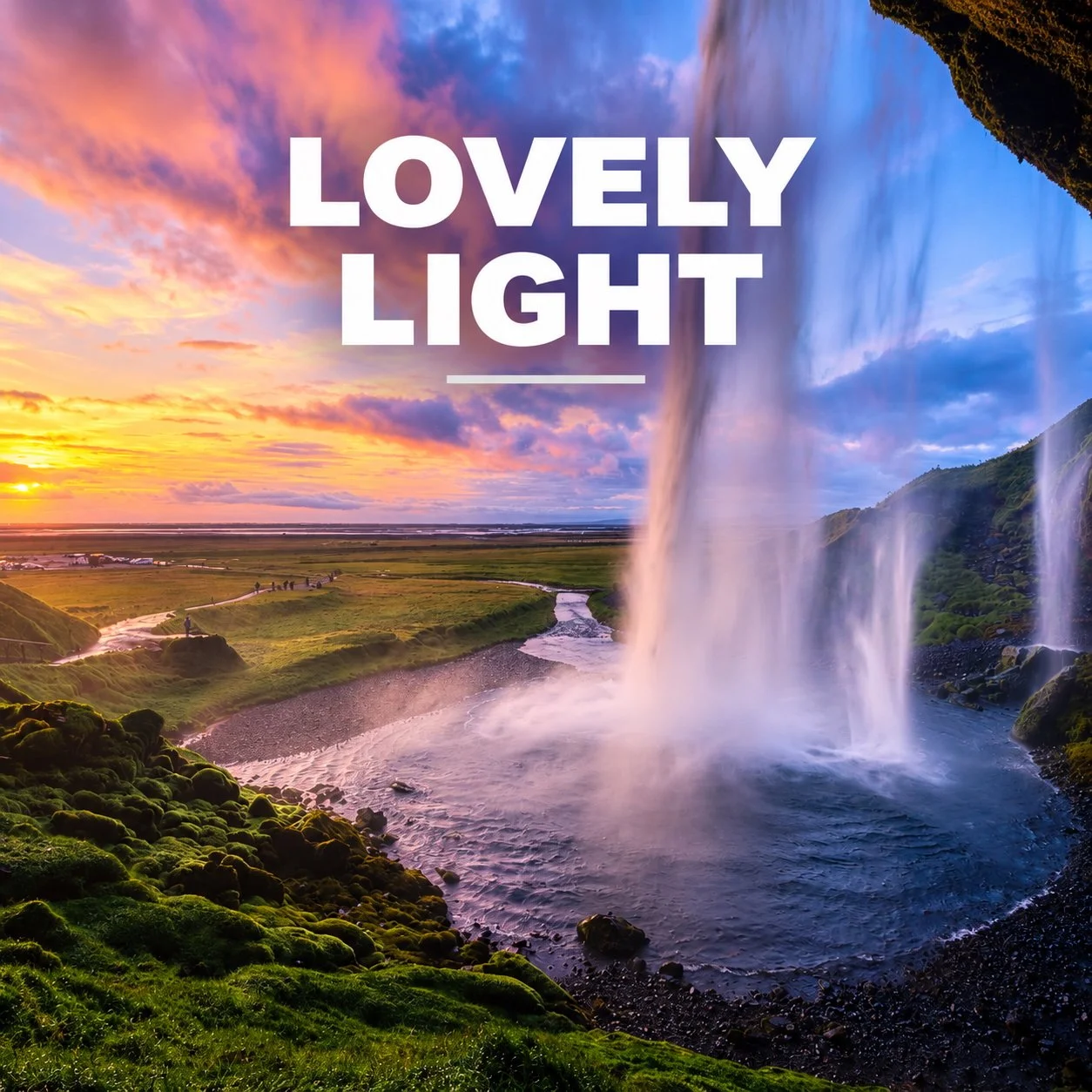
Landscape & nature — bring out beautiful light, color and atmosphere
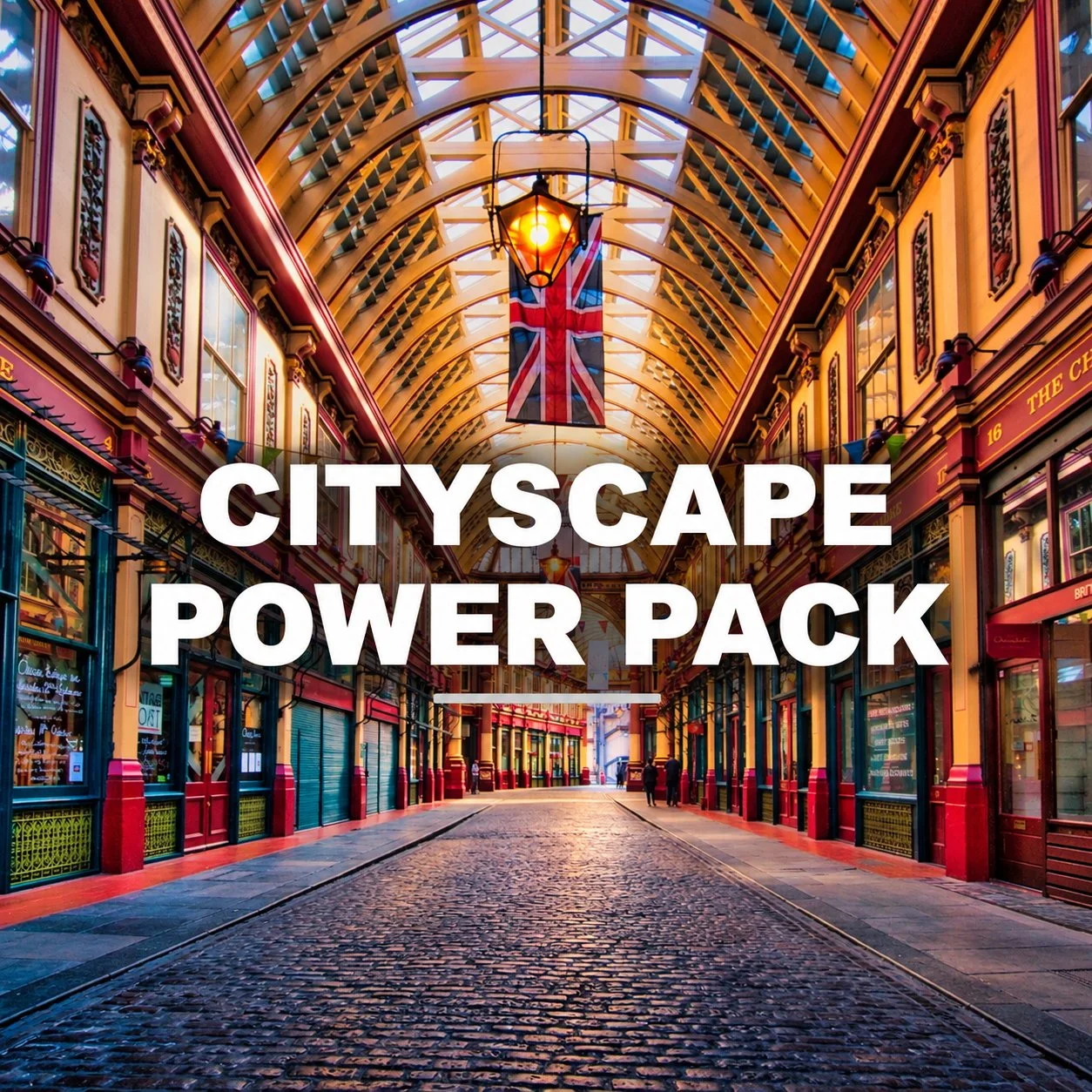
Travel & cityscapes — add depth, mood and character
Warm & colorful looks — enhance sunsets and golden light
Cool & moody looks — create atmosphere with richer tones
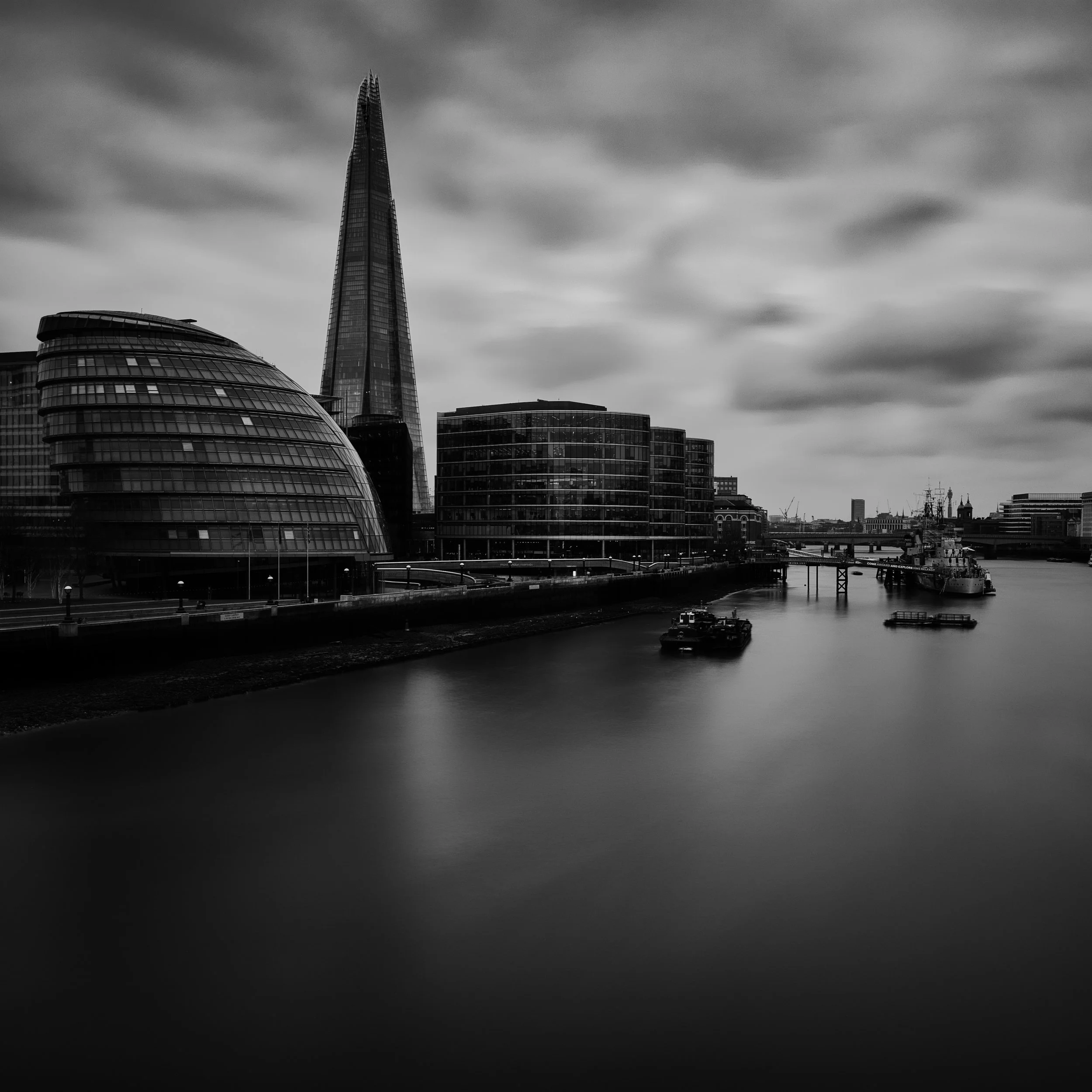
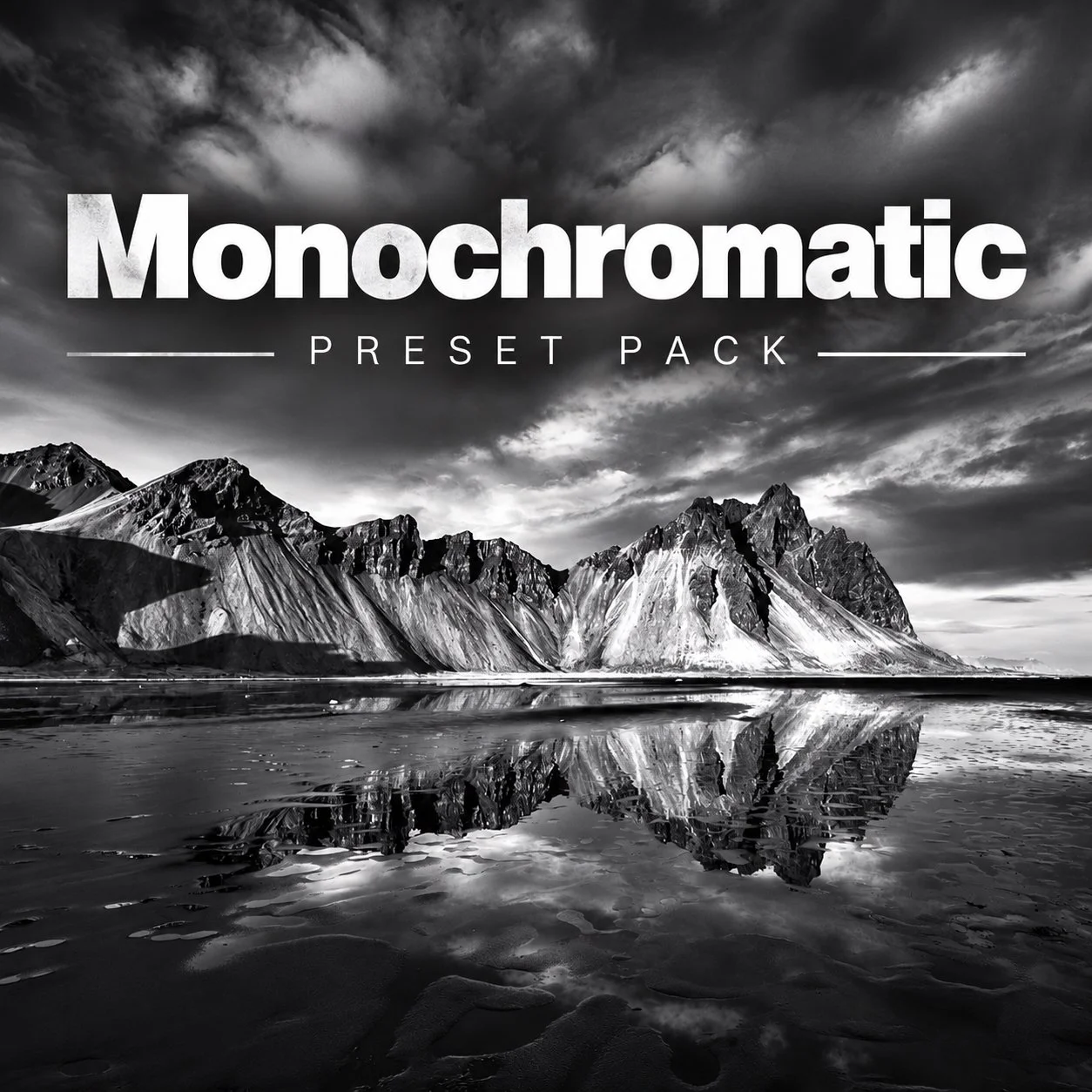
Black & white — explore timeless monochrome treatments
Creative styles — experiment with looks you may not have considered
How It Works
1. Choose a preset
Explore the collection and find a look that fits your photo. You have 50 to choose from!
2. Apply it in Luminar
Get a new creative direction in a single click. Explore styles you haven’t even thought of yet.
3. Make it your own
Adjust the edit to suit your image and your personal style.
Created by Jim Nix
Luminar Ambassador • Photography educator • Travel photographer
I've spent years teaching photographers how to get better results from Luminar. I created these presets from my own editing experience to help you spend less time wondering where to start—and more time creating photographs you love.
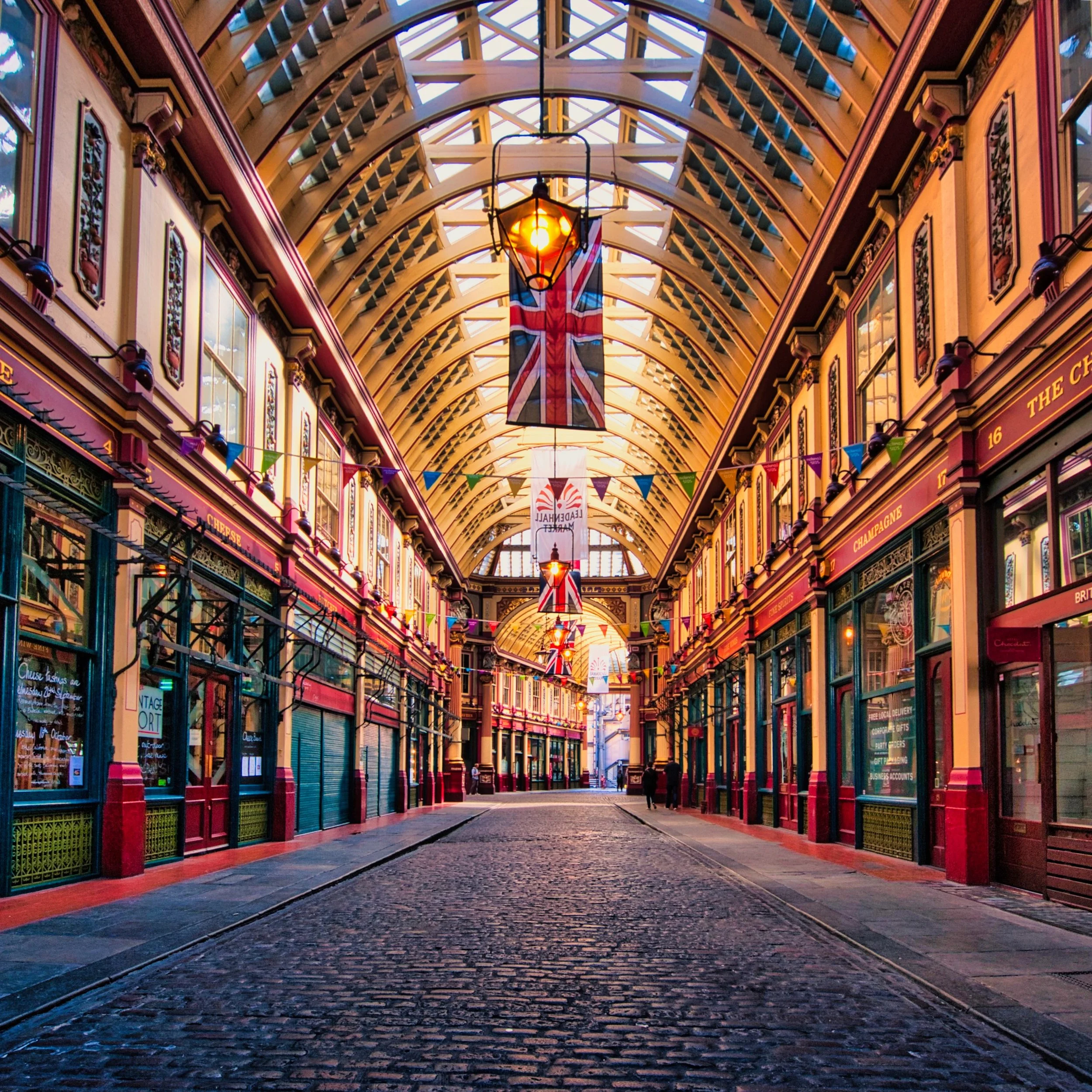
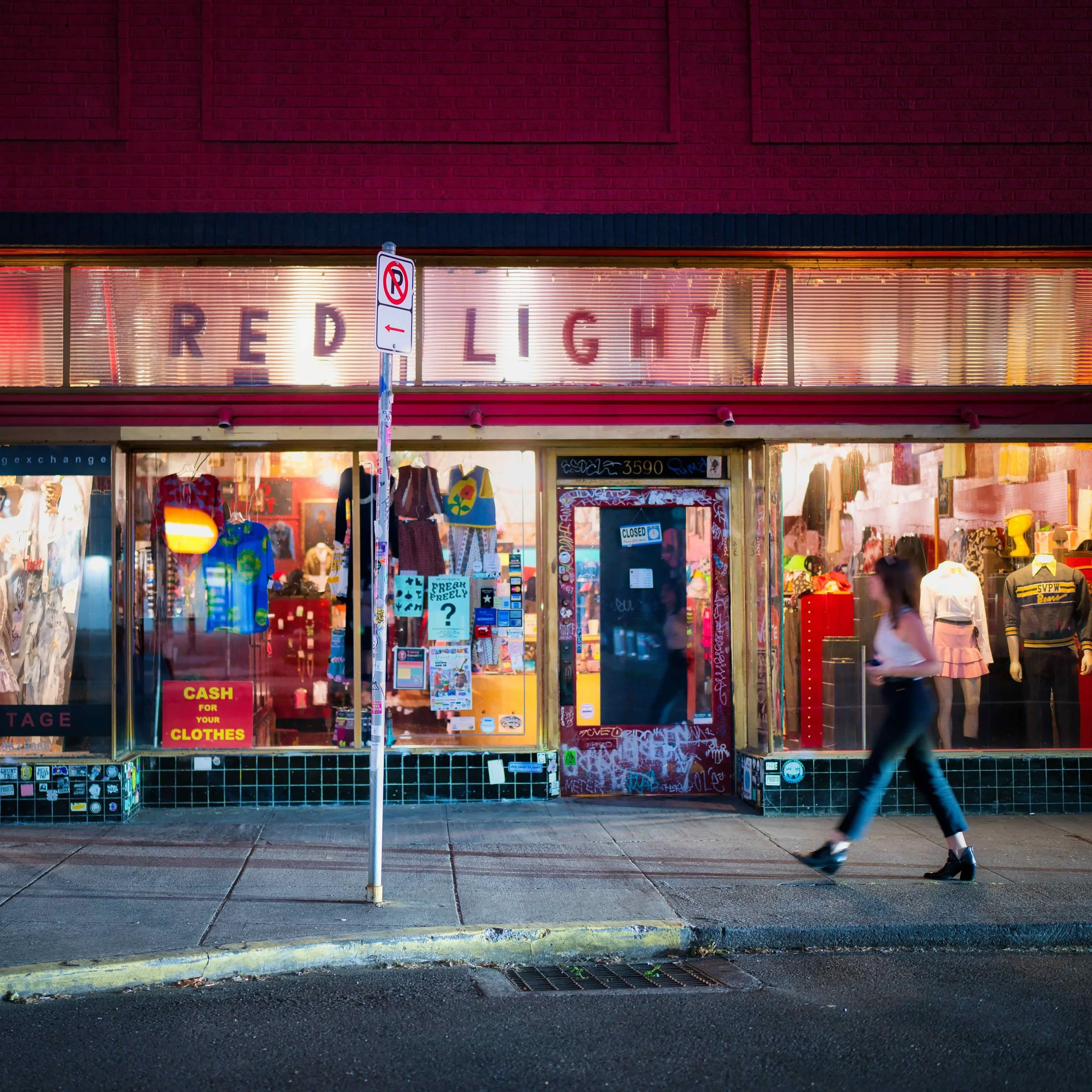
Before/After Comparisons
All of these were just 1 click applying the preset - no other customization to the images has been done. No fuss, no work, no tinkering with settings - just one click. Hopefully this gives you a good idea about how much of an impact these presets can have on your images. Then you have complete control to adjust to suit your own style.
FAQ - Frequently Asked Questions
Q: How will I get these, and how do I install them in Luminar? A: Upon purchase, you will receive an email with a download link. The file you download will end with the .lnpc extension. Installing this preset pack is a breeze. Open Luminar and then click on File > Add Luminar Neo Preset Collection. Once you do that, it will install. To locate them, click on an image and then click on the Presets tab. Click on the Purchased section and you will see the collection there. Click on the collection to display all the presets. Experiment and have fun!
Q: What is a preset? Why would I use them? A: A preset is a pre-built collection of adjustments that, with one click, will change the look of your photo (based on the adjustments inside the preset). Usually, various tools (aka filters) are included in a preset and with one click you will see the light, color and/or details get adjusted accordingly.
Q: How do presets work? A: Presets are a 1 click adjustment to your image. You can use these as a single click solution to editing an image, or as a starting point for your own customized result. All of these presets contain multiple tool and slider adjustments.
Q: What if I like the preset, but it’s too strong? A: Easy! Just reduce the intensity of the preset with the slider. You can dial it back if you want or need to in just a moment.
Q: Can I adjust these presets to suit my own tastes? A: Of course! Each preset can be adjusted to make it work with your image. You can adjust the tools and slider adjustments that are part of the preset. You can add additional tools and slider adjustments to change the preset. You can also remove tools that are part of the preset. It is fully customizable. You are not “stuck” with the preset. It’s really just a starting point unless you are happy with the 1 click result.
Q: Can I use these presets to make my own presets? A: Yes of course. You can customize these presets and then save as your own preset, which you can then reuse again and again.
Q: What if I use Lightroom or Photos to manage my photos, and use Luminar as a plugin from those apps? A: These presets only work in Luminar. However, you can still use these presets, even if you start in another host app. Once you send the photo from the host app over to Luminar, you will land on the Presets tab in Luminar, and these presets will be there. So you can manage your photos in another app but use Luminar Neo as a plugin and the presets can be applied once in Luminar and the edits will carry with the photo when you return it to your host app.
Q: Will these presets work on my iPhone images (or any mobile device)? A: Yes, you can use these presets on any file format that is supported by Luminar. You can find a full list here: https://manual.skylum.com/neo/en/topic/supported-file-types-and-cameras